
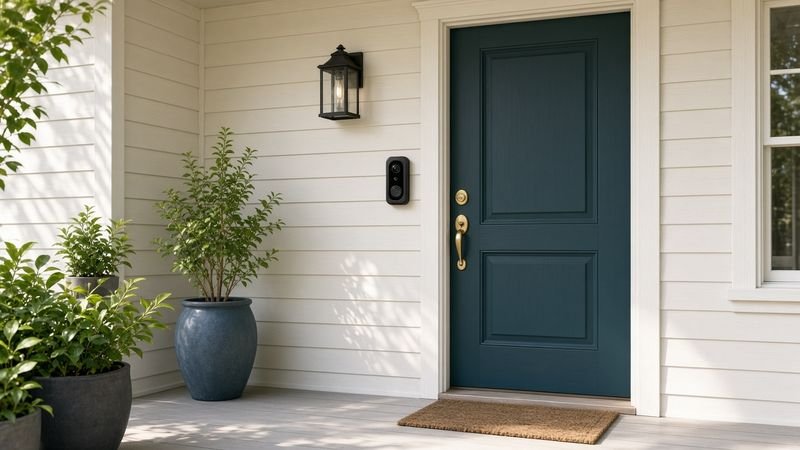
Package season is coming, and a video doorbell is one of the most useful smart home upgrades you can make before it: you see who is at the door from anywhere, talk to delivery drivers, and get a clip when a box lands on the porch. The catch is that doorbells differ in ways the box does not make obvious—battery vs. wired power, which smart home they work with, and whether you have to pay a monthly fee just to save video.
This guide is a research roundup, not a hands-on lab test. We compared manufacturer specs, recent 2026 coverage from independent reviewers, and common owner feedback to pick one strong doorbell for each kind of home: the Ring Battery Doorbell Pro (2nd Gen) for Alexa homes, the Google Nest Doorbell (Wired, 3rd Gen) for Google Home, the eufy Video Doorbell E340 if you never want a subscription, the TP-Link Tapo D225 on a budget, and the Arlo Video Doorbell 2K (2nd Gen) for the widest view. Always check current Amazon price—doorbells are discounted often around Prime events and the holidays.
Quick picks
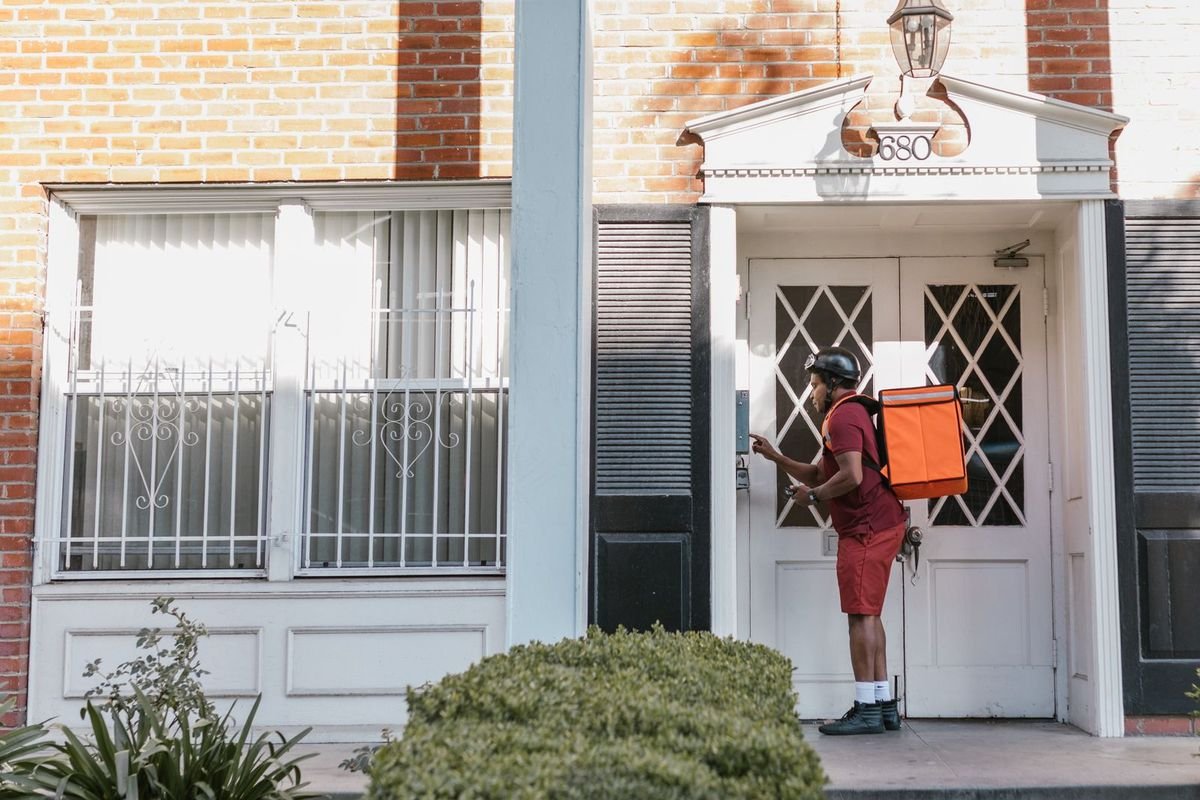
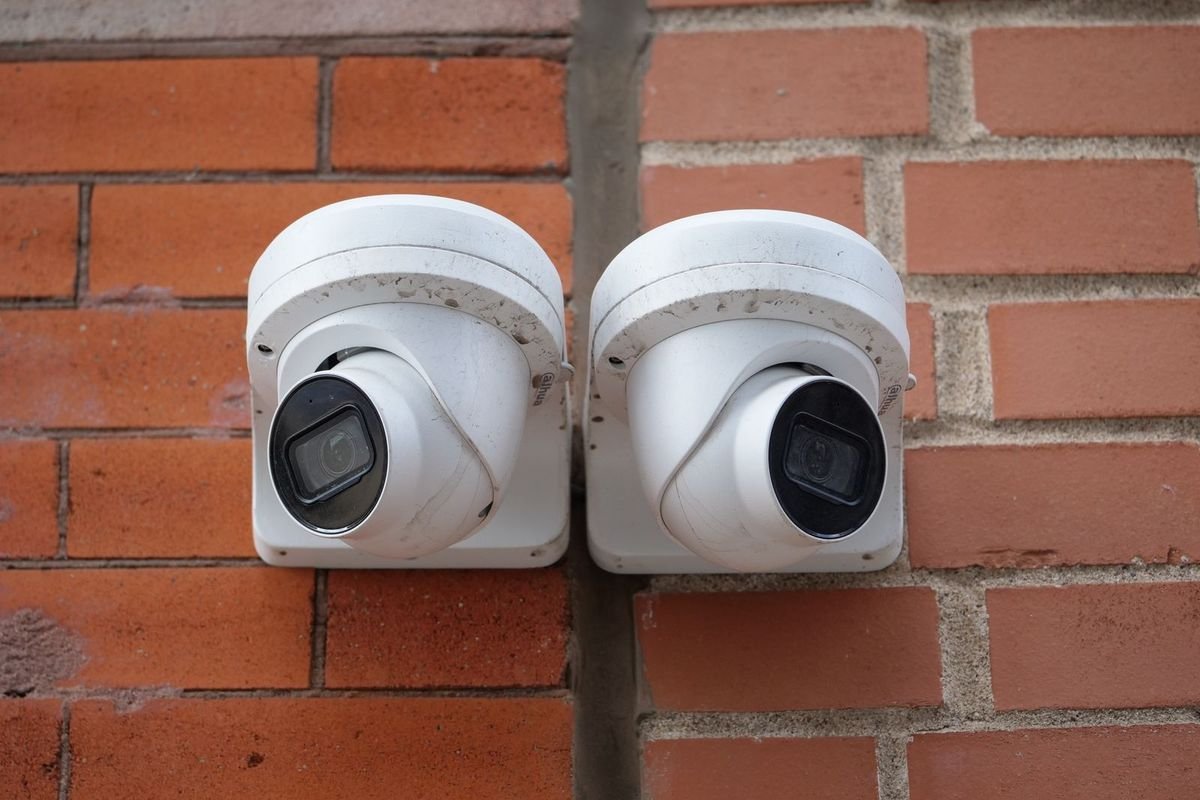
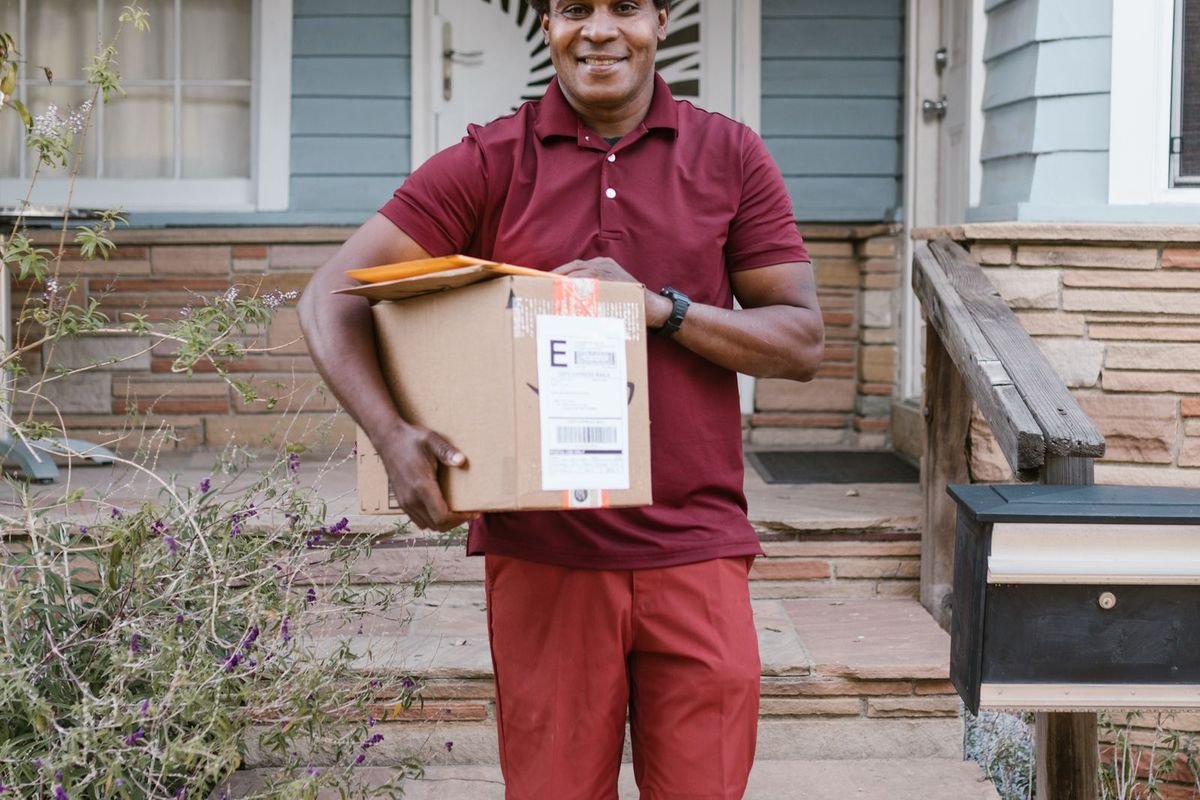
*Street prices move constantly on Amazon and during sales. Always check current Amazon price before you buy, and confirm the exact model and generation on the listing.
Compare at a glance
| Award | Model | Power | Video | Subscription to save clips? | Approx. price* | Shop |
|---|---|---|---|---|---|---|
| Best overall (Alexa homes) | Ring Battery Doorbell Pro (2nd Gen) | Battery (wire-free) | 4K, 140° head-to-toe | Ring Protect needed to save video | ~$200–$250 | Check price on Amazon |
| Best for Google Home | Google Nest Doorbell (Wired, 3rd Gen) | Wired (existing doorbell wiring) | 2K | Nest Aware for longer history | ~$150–$200 | Check price on Amazon |
| Best without a subscription | eufy Video Doorbell E340 | Battery, or wired to keep it charged | 2K + 1080p package camera | No (8GB on-device storage) | ~$130–$190 | Check price on Amazon |
| Best budget | TP-Link Tapo D225 | Battery or wired | 2K | Optional (local storage available) | ~$80–$120 | Check price on Amazon |
| Widest view | Arlo Video Doorbell 2K (2nd Gen) | Battery; 8–24VAC wiring can trickle-charge | Square 2K-class, 180° diagonal | Arlo Secure for cloud history & smart alerts | ~$100–$150 | Check price on Amazon |
*Specs are manufacturer-stated. Prices are approximate street ranges and change often—check current Amazon price. Subscription plans and prices change; confirm on the brand’s site.
How we picked
This is a research roundup, not a hands-on lab test. For this update we checked Consumer Reports’ 2026 video doorbell coverage (which includes the eufy E340), recent owner threads on r/smarthome, r/homeassistant and r/homeautomation about subscription-free doorbells, and manufacturer specs. We prioritized doorbells that:
- Cover a distinct need — Alexa, Google Home, no subscription, budget, and widest view, so you can match the doorbell to your home instead of the other way around.
- Are current, widely sold models from established brands (Ring, Google Nest, eufy, TP-Link Tapo, Arlo) with published specs and support.
- Show up in recent 2026 roundups from independent reviewers with consistent owner feedback on video, alerts, and setup.
- Are honest about ongoing costs — we call out which features need a paid plan, because that cost can exceed the doorbell’s price over a few years.
A doorbell works best as part of a front-door upgrade. Pair it with one of our best smart door locks so you can see a guest and let them in from the same phone, and if you are just starting a smart home, our smart plugs for beginners guide is the easiest first step.
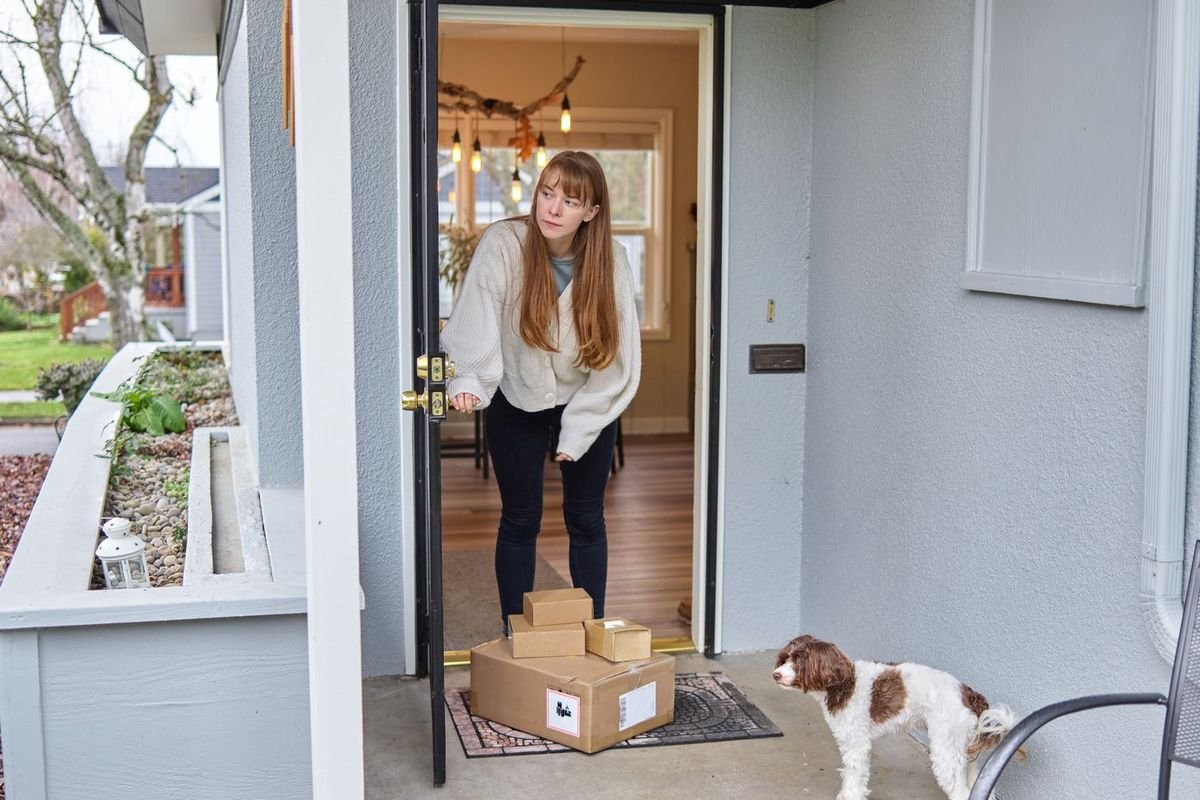
Best overall (Alexa homes): Ring Battery Doorbell Pro (2nd Gen)
Who it’s for: Amazon Alexa households, renters, and anyone without doorbell wiring who wants the sharpest picture available in a battery doorbell.
The second-generation Ring Battery Doorbell Pro is Ring’s top wire-free doorbell. Ring lists Retinal 4K video with a 140-degree head-to-toe view, so you see a visitor’s face and the package at their feet in one frame, plus 10x digital zoom and color night vision in low light. It connects over dual-band Wi-Fi 6, runs on a rechargeable battery, and installs with a few screws, which is why independent 2026 reviews consistently praise how easy it is to set up. Newer Ring features such as AI event descriptions and face recognition are available on supported plans.
Know the trade-offs before you buy. It works with Amazon Alexa (Echo Show screens can pop up the live feed) but not Google Home or Apple Home. Live view and alerts work without paying, but saving, reviewing, and sharing video requires a Ring Protect plan. And 4K needs a solid Wi-Fi signal at the door—on weak Wi-Fi, picture quality drops. Expect roughly ~$200–$250—check current Amazon price. If you want to spend less in the Ring family, the Ring Battery Doorbell Plus trades 4K for lower-resolution HD+ video.
Pros: Sharpest video here; head-to-toe view; truly wire-free; polished app and Alexa integration.
Cons: Needs Ring Protect to save clips; no Google Home or Apple Home; battery needs periodic recharging.
Bottom line: The best video doorbell for most Alexa homes—as long as you are fine with a Ring Protect plan.
Best for Google Home: Google Nest Doorbell (Wired, 3rd Gen)
Who it’s for: Homes that already use Google Home, Nest speakers, or a Nest thermostat, and that have existing doorbell wiring.
The Google Nest Doorbell (Wired, 3rd Gen) is the natural pick when your smart home runs on Google. Independent reviewers in 2026 describe it as the strongest wired option for Google Home users, with sharper 2K-class video than earlier Nest doorbells, smart alerts for people, packages, animals, and vehicles, and live view on Nest Hub displays and the Google Home app. Because it runs on your existing doorbell wiring, it never needs recharging and can keep recording without battery-saving compromises.
The trade-offs: it needs compatible doorbell wiring and a working transformer (check Google’s compatibility guidance before buying), and longer video history and some advanced features require a Nest Aware subscription. It is not the right pick for Alexa-first homes. Expect roughly ~$150–$200—check current Amazon price, and make sure the listing says 3rd Gen, wired, since older Nest models are still sold.
Pros: Best Google Home integration; constant wired power; smart alerts; clean design.
Cons: Requires doorbell wiring; Nest Aware for longer history; weaker fit for Alexa homes.
Bottom line: If you say “Hey Google” at home and have doorbell wires, start here.
Best without a subscription: eufy Video Doorbell E340
What owners say: Reddit users like that eufy avoids subscriptions and stores clips locally, but some find its app and smart-home integration less dependable than Reolink or Tapo.
Who it’s for: Anyone tired of monthly fees who still wants recorded clips and a clear view of packages left on the porch.
The eufy Video Doorbell E340 is the pick that keeps paying you back. eufy lists two cameras: a 2K main camera aimed at visitors and a 1080p camera aimed down at packages, so a box placed right below the doorbell is still in view. Clips are saved to 8GB of on-device storage with no required plan, and storage can be expanded with an optional eufy HomeBase. It runs on a battery, or you can connect it to existing doorbell wiring to keep it topped up, and it supports person and package detection, color night vision via built-in lights, and Amazon Alexa and Google Home.
Consumer Reports’ 2026 video doorbell coverage lists the E340 among its top picks, and several independent roundups call it the best no-subscription doorbell. Expect roughly ~$130–$190—check current Amazon price.
Pros: No monthly fee to save clips; dual-camera package view; battery or wired; works with Alexa and Google.
Cons: Bulkier than single-camera doorbells; app is less polished than Ring or Nest; on-device storage is finite without a HomeBase.
Bottom line: Over three or four years, skipping a subscription makes the E340 one of the best-value doorbells you can buy.
Best budget: TP-Link Tapo D225 Video Doorbell
Who it’s for: First-time buyers, rentals, and anyone who wants solid video and local storage without spending much.
The TP-Link Tapo D225 punches above its price. Independent reviewers in 2026 highlight its sharp 2K video, the option to record locally instead of paying for cloud storage, and support for Amazon Alexa and Google Home—a mix that usually costs more. It works on battery or on existing doorbell wiring, and the Tapo app covers live view, two-way talk, and motion alerts.
It is not as polished as Ring or Nest, and advanced AI features and cloud history sit behind TP-Link’s optional plan. Expect roughly ~$80–$120—check current Amazon price.
Pros: Low price; 2K video; local storage option; Alexa and Google support.
Cons: Less refined app; fewer premium features; smaller brand ecosystem for doorbells.
Bottom line: The best way to get a capable video doorbell for around $100.
Also consider: Reolink Video Doorbell (wired / PoE)
In Reddit smart-home communities, Reolink is the most consistently recommended pick for people who want local recording with no subscription, especially if you can run Ethernet (PoE) or use Home Assistant. Setup is more technical than Ring or Nest.
Widest view: Arlo Video Doorbell 2K (2nd Gen)
Who it’s for: Front doors where packages get left off to the side or right at the threshold, and you want to see everything in one tall frame.
The Arlo Video Doorbell 2K (2nd Gen) uses a square video format with a 180-degree diagonal field of view, so it captures a visitor head to toe plus a wide slice of the porch. It runs on a battery, and you can connect 8–24VAC doorbell wiring to trickle-charge it. It works with Amazon Alexa and Google Home, and Consumer Reports’ 2026 coverage gives it top marks for response time and data security.
The catch is the plan: live view and basic notifications work for free, but cloud video history and smart alerts for people, packages, animals, and vehicles require Arlo Secure. Expect roughly ~$100–$150—check current Amazon price.
Pros: Very wide view; battery or wired flexibility; Alexa and Google support; quick response.
Cons: Most useful features need Arlo Secure; square video takes some getting used to.
Bottom line: The pick for awkward porches where a standard view misses the packages.
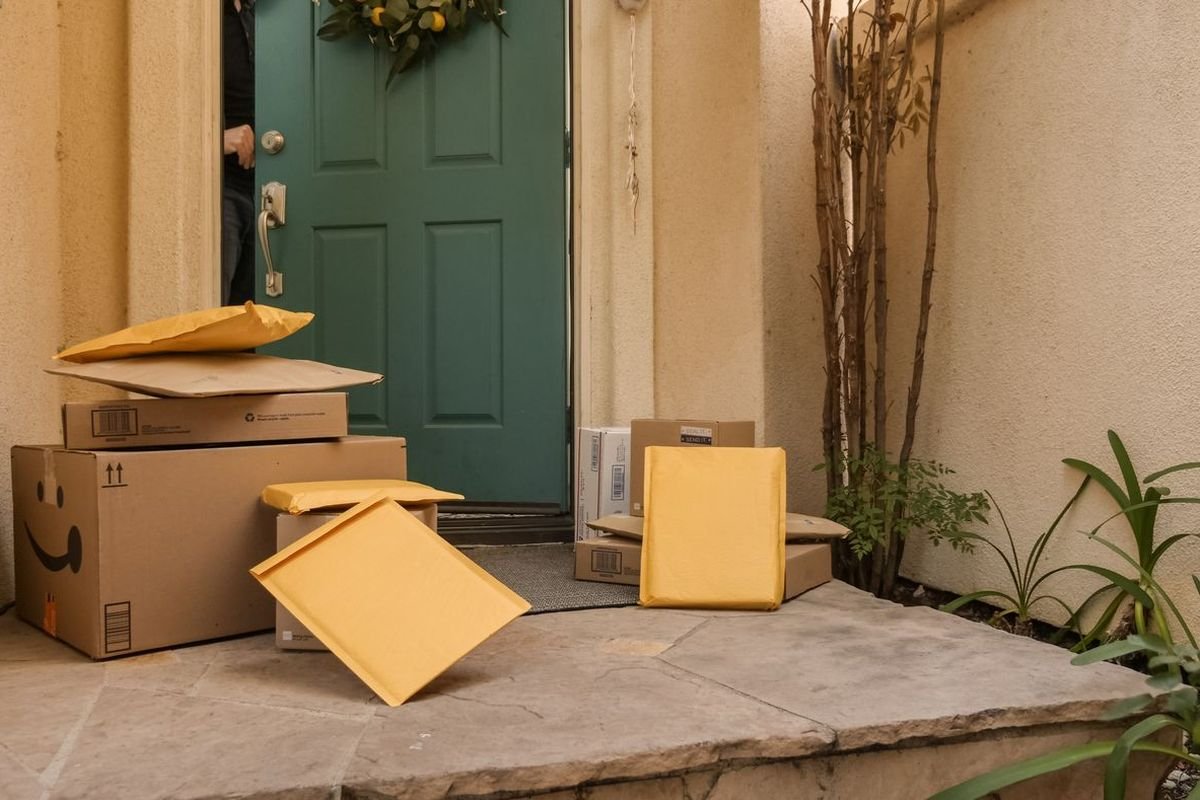
Buying guide: how to choose a video doorbell
1. Battery or wired? Look beside your door: if you have a working doorbell button and chime, a wired doorbell (Nest) gets constant power and never needs charging. No wiring, or renting? Choose a battery doorbell (Ring Battery Doorbell Pro, eufy E340, Tapo D225, Arlo). Several battery models can also connect to existing wires to stay charged.
2. Match your smart home. Ring is built for Amazon Alexa. Nest is built for Google Home. eufy, Tapo, and Arlo work with both. Picking the right ecosystem means the live feed pops up on your Echo Show or Nest Hub when someone rings.
3. Count the subscription. This is the biggest hidden cost. Ring, Nest, and Arlo need a paid plan to save or review most video; eufy (and Tapo with local storage) can record without one. Multiply a monthly plan by three years before you compare doorbell prices.
4. Field of view beats resolution. A head-to-toe or tall square view that shows packages at the threshold is often more useful than a higher resolution number. 4K also needs a strong Wi-Fi signal at the door.
5. Check Wi-Fi at the door. Stand where the doorbell will go and run a speed test on your phone. If the signal is weak, a mesh node or extender near the entry will help any doorbell.
| If you… | Choose |
|---|---|
| Use Alexa and have no doorbell wiring | Ring Battery Doorbell Pro (2nd Gen) |
| Use Google Home and have doorbell wiring | Google Nest Doorbell (Wired, 3rd Gen) |
| Never want a monthly fee | eufy Video Doorbell E340 |
| Want the lowest price | TP-Link Tapo D225 |
| Need to see packages off to the side | Arlo Video Doorbell 2K (2nd Gen) |
FAQ
What is the best video doorbell in 2026?
For most Alexa homes, the Ring Battery Doorbell Pro (2nd Gen) is our top research pick for its 4K head-to-toe video and wire-free install. Google Home users should choose the Google Nest Doorbell (Wired, 3rd Gen), and anyone who wants to avoid a subscription should choose the eufy Video Doorbell E340.
Do I need a subscription for a video doorbell?
It depends on the brand. Ring, Nest, and Arlo doorbells give you live view and alerts for free, but saving and reviewing most video requires a paid plan. The eufy E340 stores clips on the doorbell itself, and the Tapo D225 supports local storage, so neither requires a plan to record.
Can I install a video doorbell without existing wiring?
Yes. Battery doorbells like the Ring Battery Doorbell Pro, eufy E340, Tapo D225, and Arlo Video Doorbell 2K mount with screws and need no wiring. You will recharge the battery periodically; how often depends on how much motion the doorbell sees.
Will a video doorbell work with my old chime?
Wired doorbells often work with an existing mechanical chime, and some battery models can ring it when connected to the doorbell wires. Otherwise, alerts go to your phone and smart speakers, and most brands sell a plug-in chime. Check the brand’s compatibility guide for your exact chime and transformer.
Can renters use a video doorbell?
Usually yes, with a battery model. Many battery doorbells offer no-drill or adhesive mounts as accessories; ask your landlord before drilling into the door frame.
Verdict
The best video doorbell is the one that fits your wiring, your smart home, and how you feel about monthly fees. Match those, then check current Amazon price:
- Ring Battery Doorbell Pro (2nd Gen) — best overall for Alexa homes: 4K, head-to-toe, wire-free.
- Google Nest Doorbell (Wired, 3rd Gen) — best for Google Home with doorbell wiring.
- eufy Video Doorbell E340 — best with no subscription, plus a package camera.
- TP-Link Tapo D225 — best budget pick with local storage.
- Arlo Video Doorbell 2K (2nd Gen) — widest view for awkward porches.
Before you buy, check your Wi-Fi at the door, decide battery or wired, and add up the subscription. Then pair it with a smart lock for a complete front-door upgrade.
More buying guides on Home Upgrade Atlas
Browse all guides